It’s summer. It’s time to find activities for kids that they will like and perhaps even teach them something.
Might I suggest the Nintendo Labo kits for the Switch?
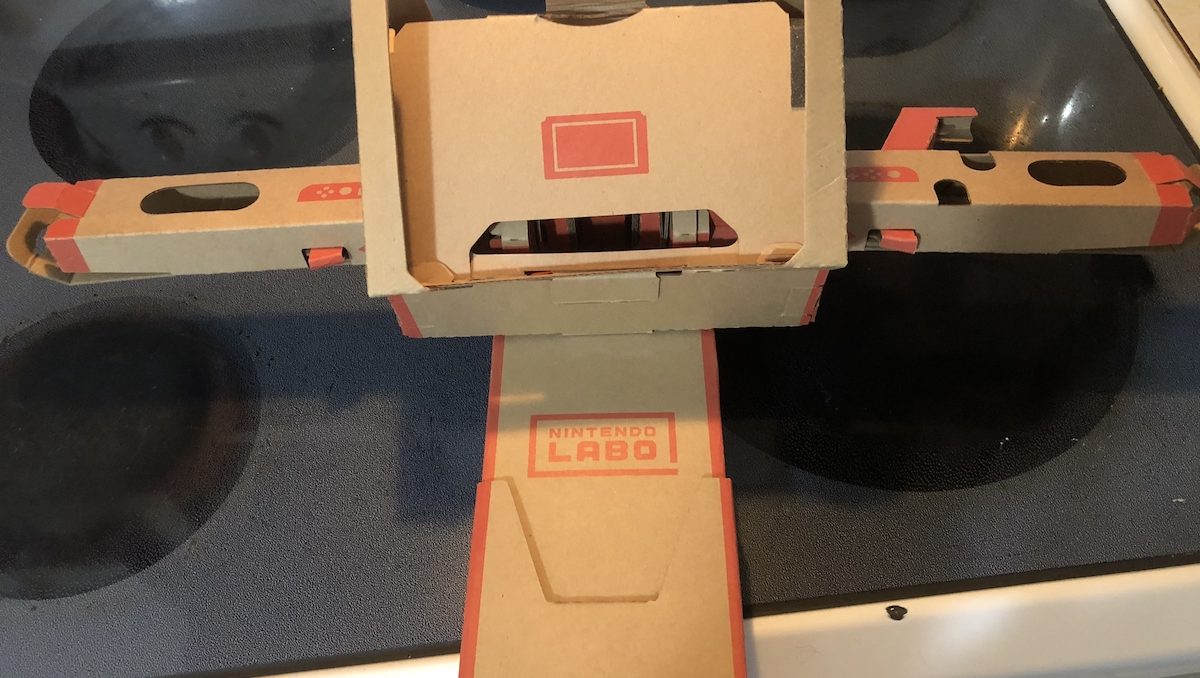
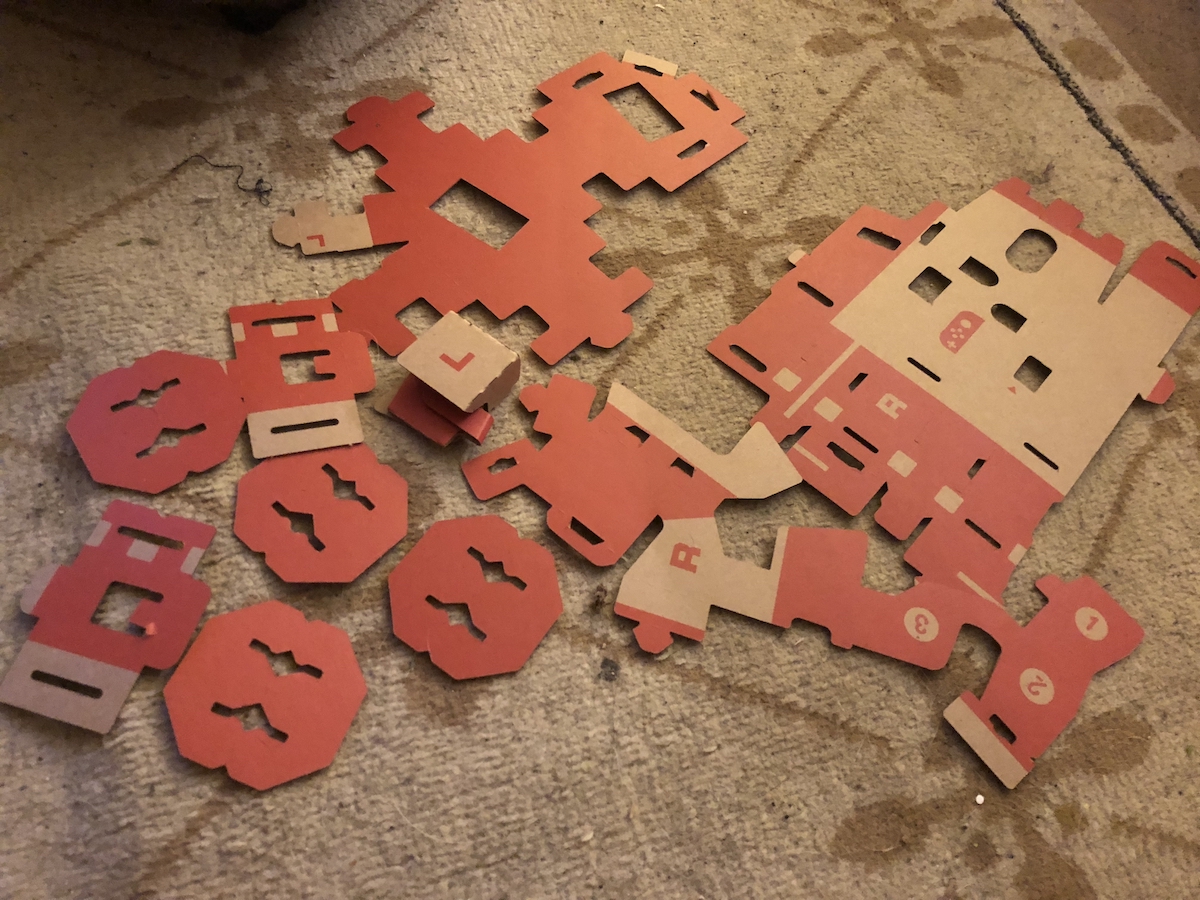
I know, the whole concept of Labo seems different from other Nintendo products. It’s not so much a video game as a project. The Labo kits are cardboard punchouts that create items that can be used for various interactive games.
As a Mom, I have to ask: how sturdy is that cardboard? How long will the construction take? Will it be any fun? Will my kids need help putting them together?
To answer the questions in order: the cardboard is sturdy and easy to use, the construction time varies by the project being made, it will be a ton of fun, and depending on age, maybe.
Basically, the Labo kits, which include the variety kit and the higher level robot kit, occupy that sweet spot in the Venn diagram overlap of taking up time and being fun.
Here are my five main reasons to give them a try. One caveat: do not make the separately purchased Robot Kit the first project. (Okay, you can, if you’re ambitious, but you will understand the process so much better if you start with the variety kit.)
Even the easiest toy, the little remote control car, took at least 45 minutes from start to finish, and that’s without decorating it. The motorcycle game kit took almost three hours total, with similar build times for other items in the variety kit.
I wouldn’t let kids younger than seven build on their own (though that may vary depending on the child and their ability to focus), but it’s definitely something older kids can do without supervision, especially given the ease of the instructions.
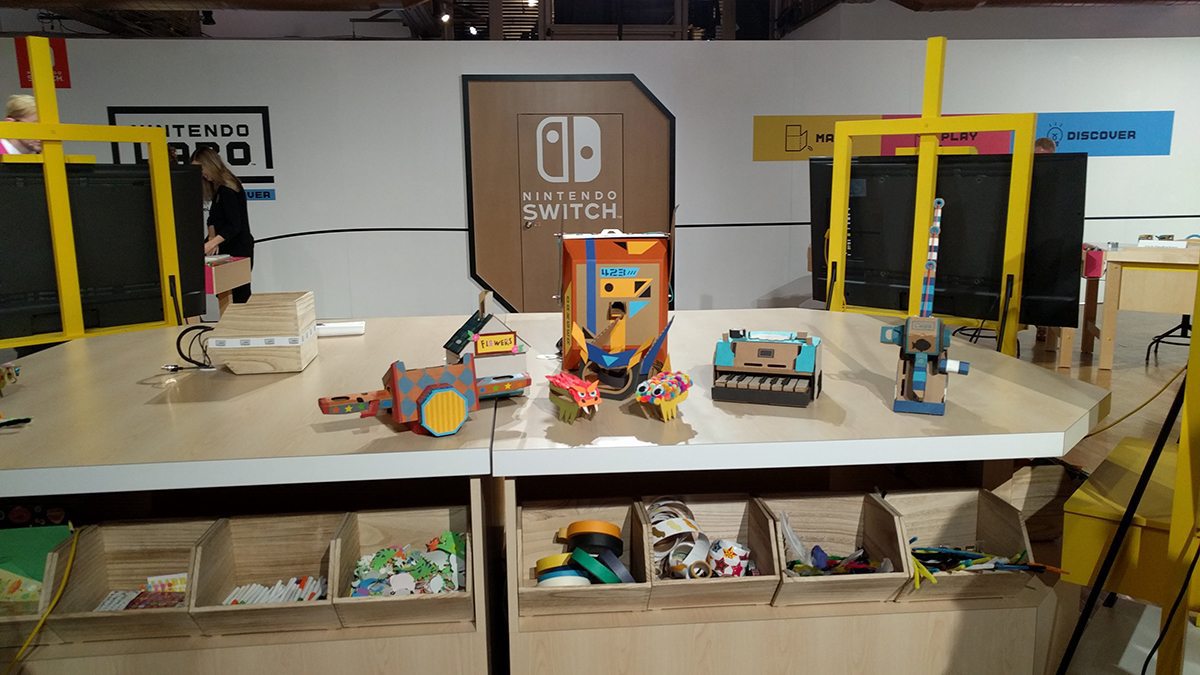
Plus, once made, they can go to town with stickers, paint, and other items to decorate their creations.
Did you know the piano has a kitten-sound mode? Or that there are several levels to the motorcycle game once it’s finished? Not to mention the fun of the fishing, with how the rod can be used like an actual fishing rod. And we haven’t even mentioned all the things that can be done with the house.
As for the robot, it’s made to be interactive in every way, allowing the movements in the game to mimic the movements made by whoever is wearing the robot kit. For me, destroying the city by punching was a lot of fun but so was the ability to fly.
In short, once created, these are fun to play with.
Meaning, it’s something that can be done with kids that will be engrossing for parents too.
That’s true even if you are not a video game-loving parent. The Labo instructions are easy to follow for video game beginner parents, have three-dimensional views that appear on the Switch to help sort out any confusion, and folding the cardboard is easy.
There might be a few times when a parent might have to step in with a particularly intricate step, such as adding rubbing bands or sliding the cardboard creations into a tight fit, but those steps never involved any curse words on my part.
Instead, I found it calming, which is not always the case with many DIY activities.
Growing up, I had kids with issues that particularly showed themselves when something frustrated them. I had to give up many DIY projects because of this. Many kids also have problems with motor skill issues that also keep them from DIY projects.
Labo, by using the computerized instructions and clearly marked cardboard pieces, goes a long way to being accessible for kids who have difficulty with other DIY projects.
The instructions tell them what pieces are needed, step by step, the view can be flipped upside down or sideways to provide a better perspective, and the instructions can go as slow(or as fast) as wanted. The cardboard folds are easy to spot, difficult to mess up, and are fine for kids with smaller hands or those who might have motor skill difficulties.
The project can also be stopped at any time, without the place being lost. So if, after 15 minutes, a kid has had enough, that’s fine, the next step can wait an hour, a day, or even a week.
It also helps to know that the end-game means playing with the toy, too.
Once all the Labo kits are built, that’s not the end of the things that can be done with Labo.
The Toy-Con garage is available to modify some of the commands given in the various games, allowing the different products to be coded/connected to interact in ways that are not in their original programming.
There are instructions to the Garage on the Nintendo Labo site, along with this instructional video.
But you can get an idea of the many potential Labo creations in this video compiled by GameXplain:
Once you or your kids understand the Toy Con Garage and how to make the connection inside it, it provides an entirely new level to play with the Nintendo kits.
In conclusion, the Labo kits are easy to use, occupy a ton of time, and spur creativity, all the things that, as a mom, I wanted out of summer activities.
This post was last modified on June 22, 2018 5:42 pm
Trans rights are human rights. In a world where trans rights keep being taken away,…
I really didn’t want another story about a young adult attending a magical school, but…
Bring springtime and color into your home with Marimekko stationery items.
The fight between winter and the onset of spring is something we know well in…
Out today is the newest Mouse Guard book, 'Mouse Guard: Dawn of the Black Axe'—and…