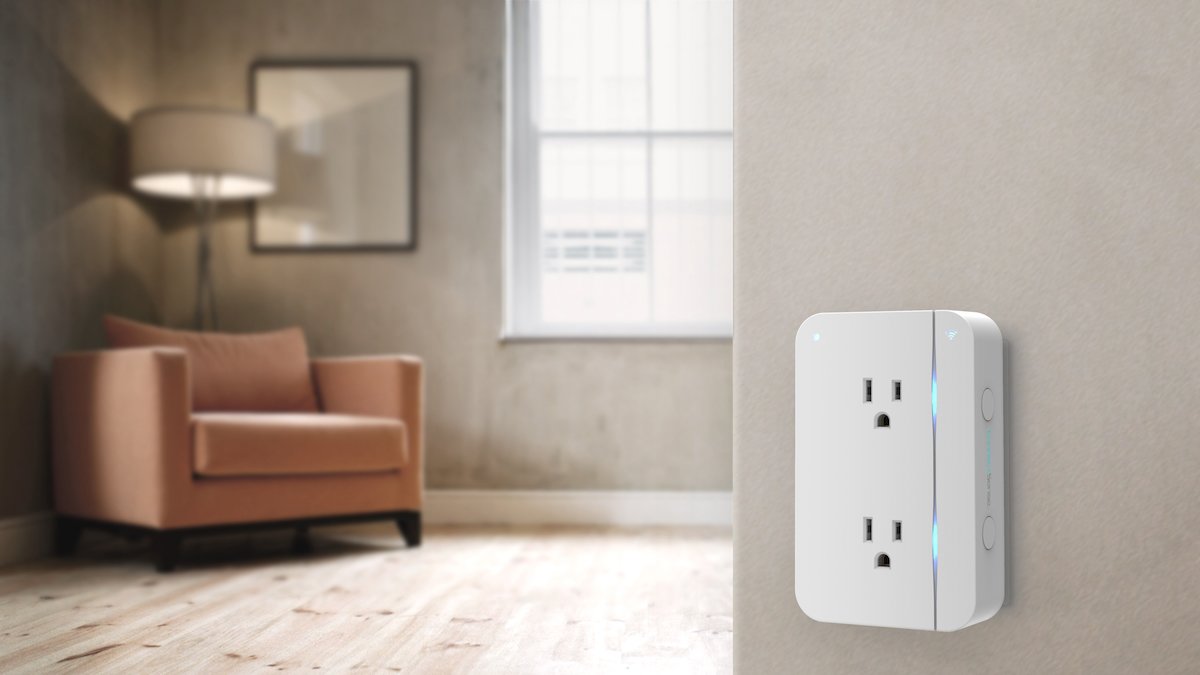
One and a half years ago I had the chance to try out ConnectSense’s IOT-enabled Smart Outlet. I had addressed some limitations, such as it only having the ability to connect to Apple’s HomeKit system. Since my house was Alexa-enabled, it wasn’t quite as useful to our family.
Three quarters of a year ago, I had gleefully announced the arrival of my Smart Outlet2 and proclaimed that it would be attached to our family’s leg lamp for the holidays. I was thrilled that this upgraded outlet would be able to connect to our household’s smart home system.
I did that. The holidays came and went. We unplugged the leg lamp and put it away with our holiday decorations. Then I plugged in a front foyer nightlight and it’s been running for us since January.
For an extra touch of whimsy this winter look no further thanThe Curious Kitten at…
I like to think that’s a good thing. My Smart Outlet2 has reliably turned itself on every evening at 6:30pm, and turns itself off every night at 11:59pm. Without fail. If I need light in between those times, I can ask Alexa to “Turn on the Front Hall light” or “Turn off the Front Hall light”.
So let’s now talk about what else has been great about this outlet.
Why You Need a Smart Outlet2
No hub required. For many other IOT products of this ilk, a hub of some sort of required. There are many who prefer to use hubs, such as the Philips Hue Bridge, because it controls the number of individual devices being managed by your router. However, it is costlier to have a hub-based IOT system, so if you’re counting pennies, then using an outlet such as the ConnectSense is more beneficial.
The Smart Outlet2 is now compatible with the three biggest IOT systems. Most American households that are choosing smart-home technology are gravitating towards either Google Assistant, Amazon Alexa, or Apple HomeKit. I had written about the original Smart Outlet’s limitations in this regard, and I’m very happy that it’s now possible to expand use into my existing smart home network.
Fire and forget. No, it won’t shoot at things, but in my line of work, it’s just a colloquialism meaning that once you set it up the way you want, you don’t need to worry about it anymore. Setting it up is quite easy:
Once you open up the Smart Outlet2, plug it in where you want it. Be sure it’s in range of the WiFi network you want
With your mobile device, download the ConnectSense app from your favorite app store.
You will need to make an account, follow the instructions in the app
Now you’re ready to pair your app with the outlet: scan the QR code on the back of the instruction manual to initiate connecting the outlet with your WiFi network and the mobile app
Once everything is set up, you can customize your outlets for the items you’ll be plugging in, such as “Lamp”, “Television”, or “Christmas Tree”
Why a Smart Outlet2 Might Not Be For You
Maybe you need a hub. For some, controlling your Smart Home accessories with a hub is easier on your network management. I get it. I’m debating heading in that direction myself, because working with Ring, Nest, Philips Hue, TP-LINK Kasa, and now ConnectSense is causing all sorts of stress. That being said, having everything on Alexa does help.
The Smart Outlet2 doesn’t work with 5 GHz WiFi networks. Be sure you have a 2.4 GHz network available. Put your mobile device on that network before connecting. This may not be obvious until the app tells you “Device is not compatible with your WiFi router.”
Patricia Vollmer is the proud mother of two sons, ages 16 & 18, who are as geeky as she is. She's been writing for the Geek Family Network since 2011. She is a meteorologist who works for the U.S. Air Force in Colorado Springs, Colorado. Hobbies include running, despite no one chasing her, sharing her love for Disney, Marvel, and Star Wars, and exploring the world with her boys. Ask her why the sky is blue at your own risk.