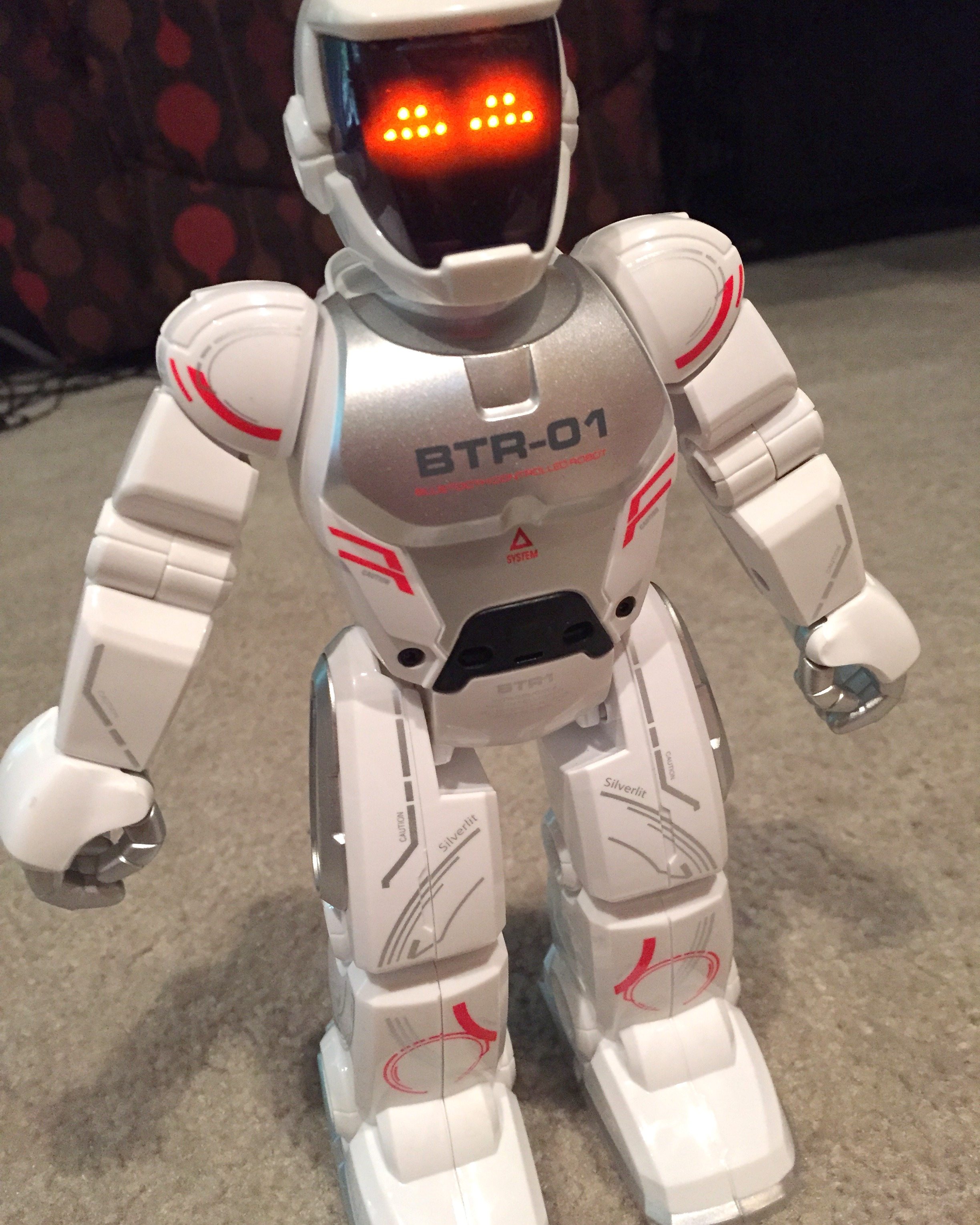
Excited to try out Blu-Bot. Photo: Maryann Goldman
Recently, my son Joey and I had an opportunity to review the Blu-Bot robot toy from Silverlit. We are definitely a household of robot enthusiasts, toy and otherwise, so we were very excited to take Blu-Bot out of the box and see what he had to offer.
Blu-Bot is shipped in an informative and eye-catching package. Open the Velcro cover to see Blu-Bot’s color (black or white) and to read some basic instructions. At a glance, you’ll be able to see all of the functions he performs with and without his companion app.
In manual mode, without the app, he dances, detects obstacles, acts as a guard, and is able to talk to other Blu-Bot robots. Using the control panel on the back of the robot, you can program his facial expressions and movements, up to 40 steps.
Blu-Bot also works with a free app on your iPhone, iPad, iPod touch, and Android devices. Look for the appropriate app for your device in the App Store or the Google Play Store. For our review, we used an iPhone 5.
With the app, you can drag and drop icons to create a program. Make him walk, turn his head, change his facial expression, and speak with up to 39 steps. You can choose from several pre-built dance sequences. Blu-Bot can even change your voice. Record a phrase and choose from six preset robot sounds. Blu-Bot will play back your phrase in a robot voice, and the distortion is pretty humorous. You can also use a gesture control feature to give Blu-Bot instant moves.
We found Blu-Bot easy to use out of the box. He’s recommended for ages 5+, and I think that’s accurate. Even younger kids can use beginning programming skills to drag his movement icons around and build a quick program.
Blu-Bot can even be used as a Bluetooth speaker. Once you have him paired to your device, play a song, and listen on the Blu-Bot speaker. How cool is that?!? The sound was decent, and he’s functional even when your child isn’t playing with him.
Without a doubt, our favorite feature was the voice-changing option. It’s so easy to record a simple phrase, choose from six different pitch settings, and hear Blu-Bot repeat your phrase in a cute and funny robot voice. This feature is sure to make your child giggle loudly and smile ear-to-ear.
We have several other robot toys in the house including Dash and Dot from the Wonder Workshop
You can find Blu-Bot and other Silverlit toys at your local discount store and at Amazon.
GeekMom received this item for review purposes.
This post was last modified on December 3, 2017 1:49 am
If you like some extra squares in your cubes, check out the new Rubik's x…
Like many others, I jumped directly into my Apple Music Replay this year filled with…
It's time to stuff the stockings that were hung with care with our must-have stocking…
It's time to get styling and stocking up on everyday necessities that we think you…
Every geek loves a new gadget. Here’s a selection from the GeekDad and GeekMom writers,…
If you enjoy 3D printing with filament and are interested in something new, resin printing…