Epson XP-8600 Image: Epson
The Epson Photo XP-8600 is a photo printer that comes with a wide range of options and abilities including wireless printing and a dual tray to load more than one size of paper. It may have a small footprint on your desk, but it’s a mighty machine in terms of printing capabilities.
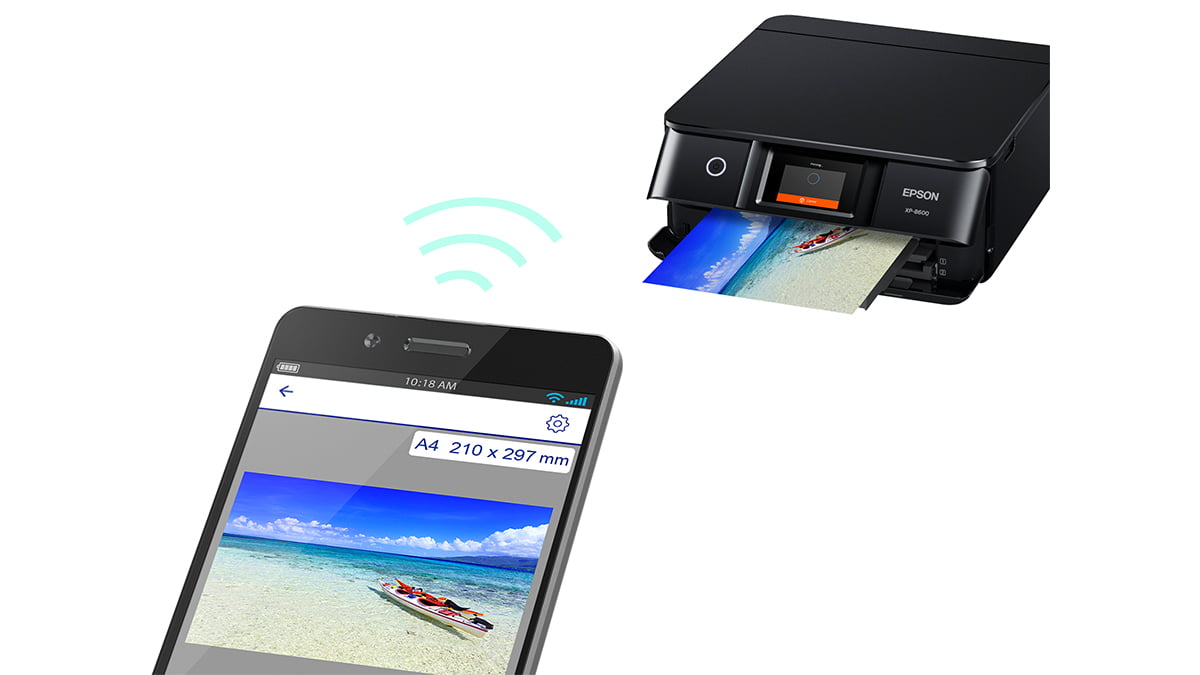
Set up is as easy as 1…2…3…done. I did have to run the CD for my particular computer to see it but that might not be the case for your machine. When setting up the app, once I had it downloaded to my iPhone, the QR code on the machine allowed me to hook up to it instantly and I was off printing from my phone. With WiFi built-in, you can AirPrint, Google Cloud Print, and use the Epson Connect app to print a variety of things via your smartphone (android and iOS compatible).
The Epson Photo XP-8600 is both a printer and a scanner. For those that are eco-conscious, you can set it to automatically print double-sided.
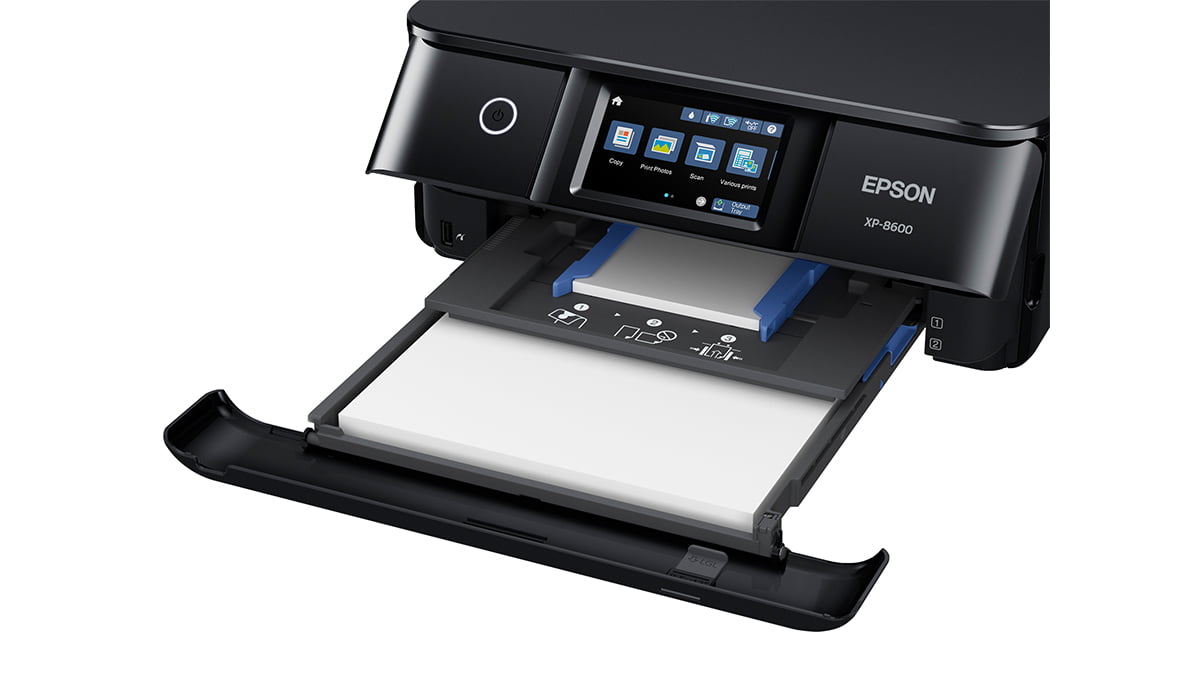
The touchscreen is a sizable 4.3″. That means more space to see what you are doing when you plug in a USB or SD card and need to flip through photos (though I’ll admit the SD card reader is kind of hidden under the touchscreen panel area). It has a dual-tray that lets you load two sizes of paper at once, including printable CDs and it also has a rear feeder as well.
For document printing, you get about nine pages per minute while for color photo printing you get one photo on an average of 30 seconds to a minute depending on the quality of the print.
The output tray is motorized so when you go to print, the printer will push the tray and the dashboard up and out for you. With the push of a button, the printer will recall the tray back to its standby position.
My favorite feature of this printer is the ability to tell Siri to print, scan, or show me my ink levels. It also works with Alexa and Google Assistant.
Most of the time, I ignore the included software, but this time I loaded it to see if it was a waste of space or actually useful. I’m surprised to say I actually found most of it useful.
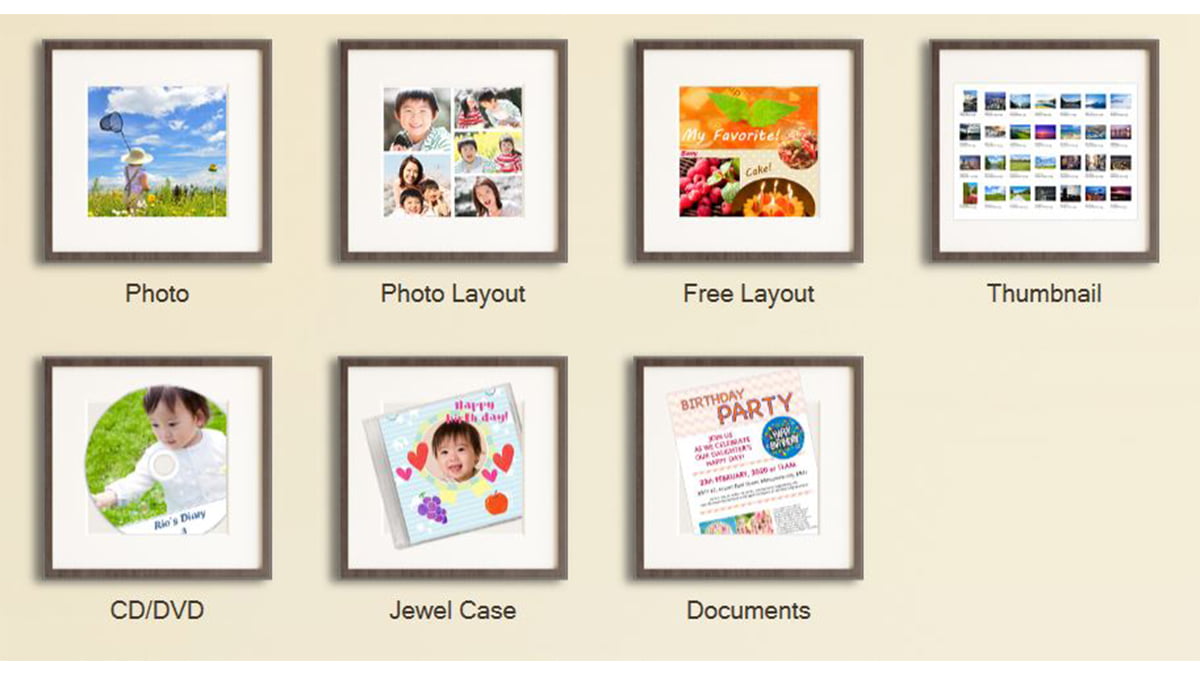
The Epson Photo+ Tool allows you to create photo layouts on your size paper of choice. You can even do layouts on CDs.
Epson Photo+ Tool allows you to select the part of an image to print. It also gives you the ability to drag and drop images to print without having to open each one and hit print. Just make sure you have the right paper size in the printer because otherwise, it will ask.
Print CD lets you create layouts and print on printable CDs.
Epson Scan 2 is the program you use to scan to your pc. You can scan images between 200 and 1200 DPI as well as have them saved in seven different formats including searchable PDF.
I would say this printer is for the scrapbooker and the family that likes to print their own photos. With the current pandemic, some places have shut down their in-store printing kiosks and that makes getting your photos a little harder. This allows you to skip the store and print in your PJs at home. The quality of the photos stands up to what you would get if you were to print at a store, which is especially nice.
If you print a lot of documents versus photos, you may want to look at a different Epson product. The paper try that holds letter-sized paper is not very big and I was a little disappointed in this. I would not put this in a business setting where you are printing like crazy with the occasional photo thrown in. The main job of this printer is to scan and print photos. Its secondary job would be to print your kid’s homework or household chore lists.
For a photo printer, this one hits the mark. The $250 price tag is reasonable considering all you can print with it. Ink cartridges cost a decent $33 for the main three colors and $11 for the additional two colors that most printers do not have (light magenta and light cyan). Black cartridges are around $12 as well. For a color printer, that’s pretty cheap as far as ink goes. I’m happy with the speed, noise level, and quality of the prints I’ve done so far and look forward to using it for more photo projects in the future. You can purchase the Epson Photo XP-8600 at Best Buy and Amazon.
Disclaimer: GeekMom was given a review sample.
This post was last modified on July 1, 2020 2:54 pm
Bring springtime and color into your home with Marimekko stationery items.
The fight between winter and the onset of spring is something we know well in…
Out today is the newest Mouse Guard book, 'Mouse Guard: Dawn of the Black Axe'—and…
If you like some extra squares in your cubes, check out the new Rubik's x…
Like many others, I jumped directly into my Apple Music Replay this year filled with…