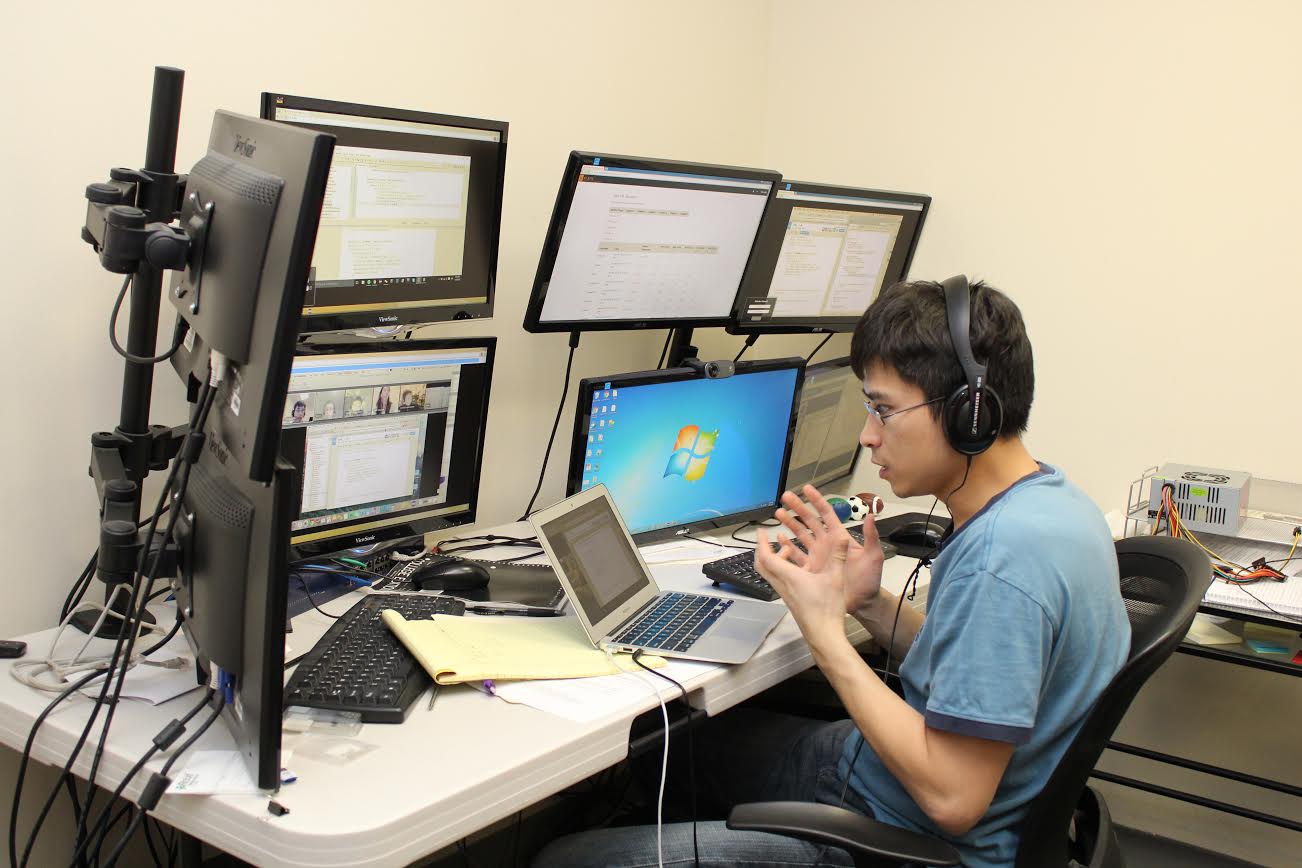
Accessing the class was effortless and efficient; it took place in KTBYTE’s virtual machine, a remote desktop that allows students to connect from anywhere, coupled with a teleconference call, allowing us to see and hear Brandon’s instructor. We had the option to plug in a webcam, but my son was too excited to start coding to take the time.
We had the option to plug in a webcam, but my son was too excited to start coding to take the time.
First off, I would like to compliment the instructor, Chi Bong, for being so patient and friendly with my son. He was amazing, and I could tell he was experienced and good with kids. Chi Bong majored in Computer Science at Cornell University and is a full-time, senior instructor with KTBYTE.
When Brandon wanted to experiment with different ideas, Chi Bong was open to it. Chi Bong asked Brandon questions and did not rush him or become frustrated when Brandon lost focus. Best of all, it did not feel like he was reading from a script.
Chi Bong started with some more mundane but necessary learning skills and eventually delved into more interesting topics that captivated my son. He briefly talked about the virtual machine and got to know Brandon and his skill level.
They started by coding numbers to print on-screen and went as complex as assigning numbers to variables and letting the computer do the work. By the end of the trial, they had animated a ball. Brandon even picked up on a lag that should not have occurred with his code. He was engaged during the entire lesson.
As a parent, I enjoyed seeing that they were doing real coding and not dragging and dropping boxes. I believe that, for a student at Brandon’s level, it is more beneficial to learn how to type your code rather than using a graphical interface that does it for you.
At the end of the class, Chi Bong recommended Brandon sign up for Intro to Computer Science (an intermediate skill class) based on his prior experience and performance in the trial. He also walked us through some projects that past students created, which added to my son’s excitement.
We enjoyed seeing student-created games like Circumvent and Doodle Jump; it showed us what KTBYTE’s students did on a daily basis and helped us decide if these courses were for us.
When the class was done, I asked my son if he would like to sign up for the course and he gave me the signature pre-teen “duh” look. As a parent in the IT world, I was impressed with the quality of what my son was learning. I was equally impressed with how well the instructor handled my son.
To sign up for your free trial or for more information about KTBYTE’s courses, visit their website.
This was a sponsored post by KTBYTE.
This post was last modified on June 5, 2018 10:36 pm
Bring springtime and color into your home with Marimekko stationery items.
The fight between winter and the onset of spring is something we know well in…
Out today is the newest Mouse Guard book, 'Mouse Guard: Dawn of the Black Axe'—and…
If you like some extra squares in your cubes, check out the new Rubik's x…
Like many others, I jumped directly into my Apple Music Replay this year filled with…